Let's learn InterAcct how works for Manufacturers.
Explore our library of training demonstrations and feature overviews to get the most out of your InterAcct software.
Industries
- ✓ Chemical & Paint
- ✓ Feed & Grain
- ✓ Metal & Machinery
- ✓ Food & Beverage
- ✓ Electrical & Tech
Bill of Materials
This demonstration video shows InterAccts Manufacturers Software. It demonstrates the process of creating a Bill of Materials (BOM) right from entering Supplier Master files, the Materials/Products database, and then the BOM.
Learn more →Quick Production
This quick demonstration video shows how simple the option of Quick Production is in the software. It shows setup of a BOM as well as running through a simple example of a production.
Learn more →Kit Conversion
Anyone that makes anything should consider the ‘Kit Conversion’ system. It can be used as a low cost alternative to InterAcct’s Manufacturers software module, and indeed the Job Costing software. A ‘Kit’ is a simple recipe (single level Bill of Materials) to make something. The Kit can be any combination of Cost Items including Materials, Labour, Sub Contractor’s costs, Factory Machine time, and Sundry Costs. Overheads can also be added to the cost. The Kit Conversion software links with Stock, Customer’s Sales Orders, and Jobs (when making sub assemblies). The emphasis is very much on speed and simplicity of converting component materials into a new finished product.
Learn more →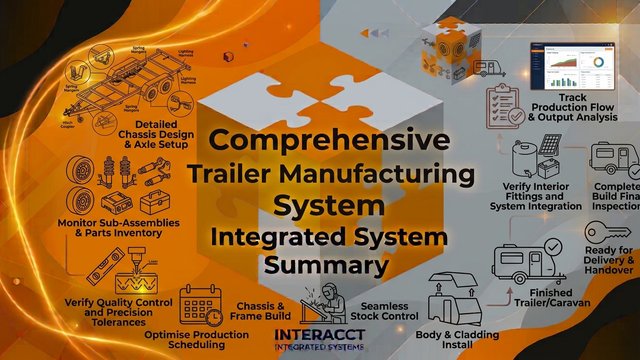
Trailer Manufacturing
This is an example of a personalised system. In it we look at using the base InterAcct as a starting point but changing a few key aspects to have the system better suited for a clients needs. We look at manufacturing and Sales Orders
Learn more →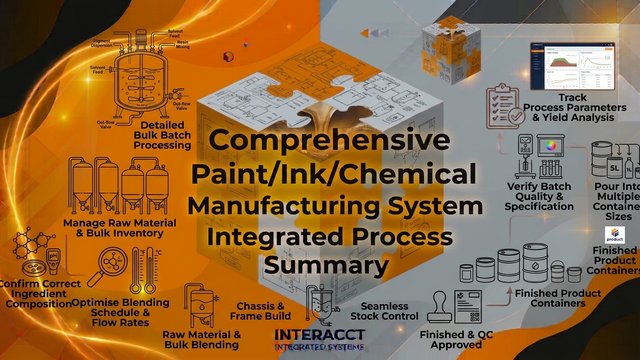
Paint/Ink/Chemical
Manufaturing the goods in bulk, and then pouring into different size containers and then labelling. Testing and issuing batch numbers and expiry dates.
Learn more →More relates videos
The links below will get you to more videos you might be interested in for your industry.
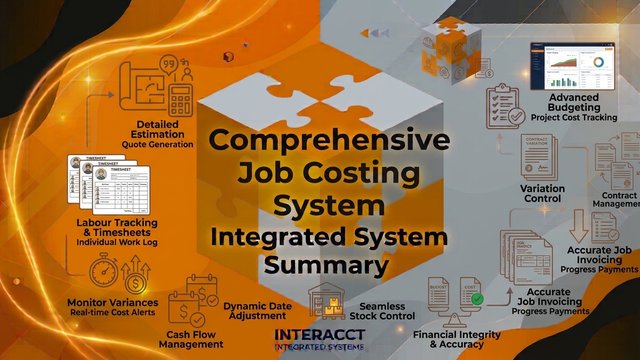
Job Costing
This video demonstration shows adds a (construction related) job, with Job Budget. It shows material requirements, required to purchase, purchasing, works orders, and other job cost transactions.
Learn more →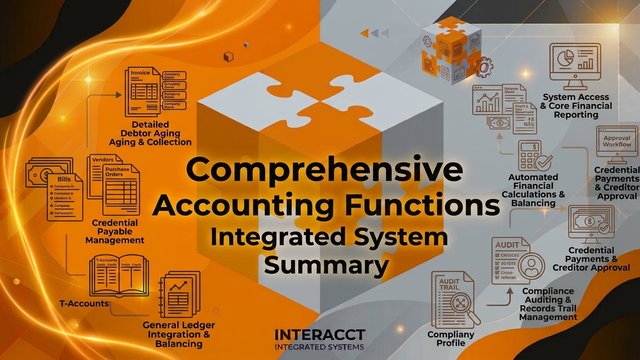
Accounting
This Quick demo looks at the accounting software standard reports and some of the other screens used for accounting transactions.
Learn more →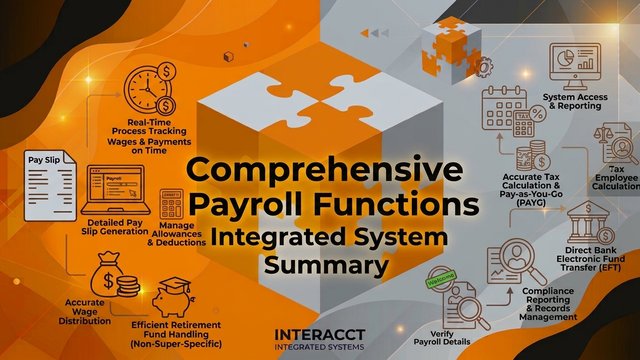
Payroll
Superannuation, Wages, Single Touch Payroll, Pay Slips, RDOs
Learn more →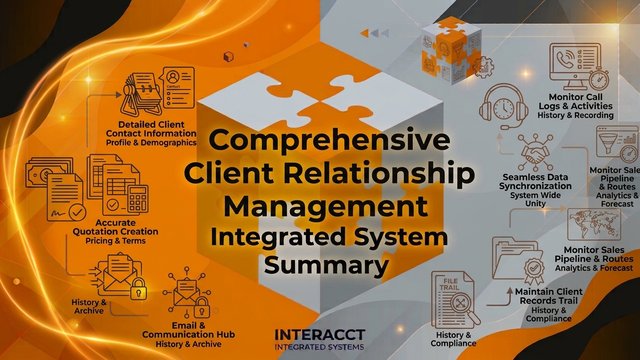
CRM
This video looks at the Client Relationship Management functions under the standard InterAcct System
Learn more →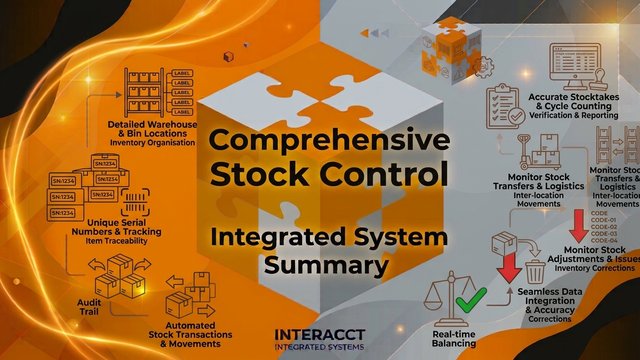
Stock Control
This Stock Video Demonstration looks at a few of the basic Product/Stock transactions in the Standard System.
Learn more →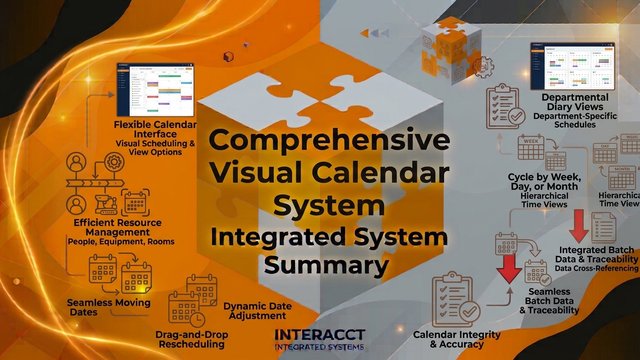
Visual Schedule
Your diary of follow ups, (or your work schedule) are shown in a traditional columnar format. With the new InterAcct Scheduler, you can create a graphical calendar of your diary – to see one or more employees, for a day, week, or month.